The work, on an open canvas. One control zooms through all of it.
The new direction: almost nothing on screen but the work itself. A single fixed nav layer floats in the corner and zooms the whole roster through three levels, so a couple of moves get you anywhere. The three earlier options are kept below for comparison.
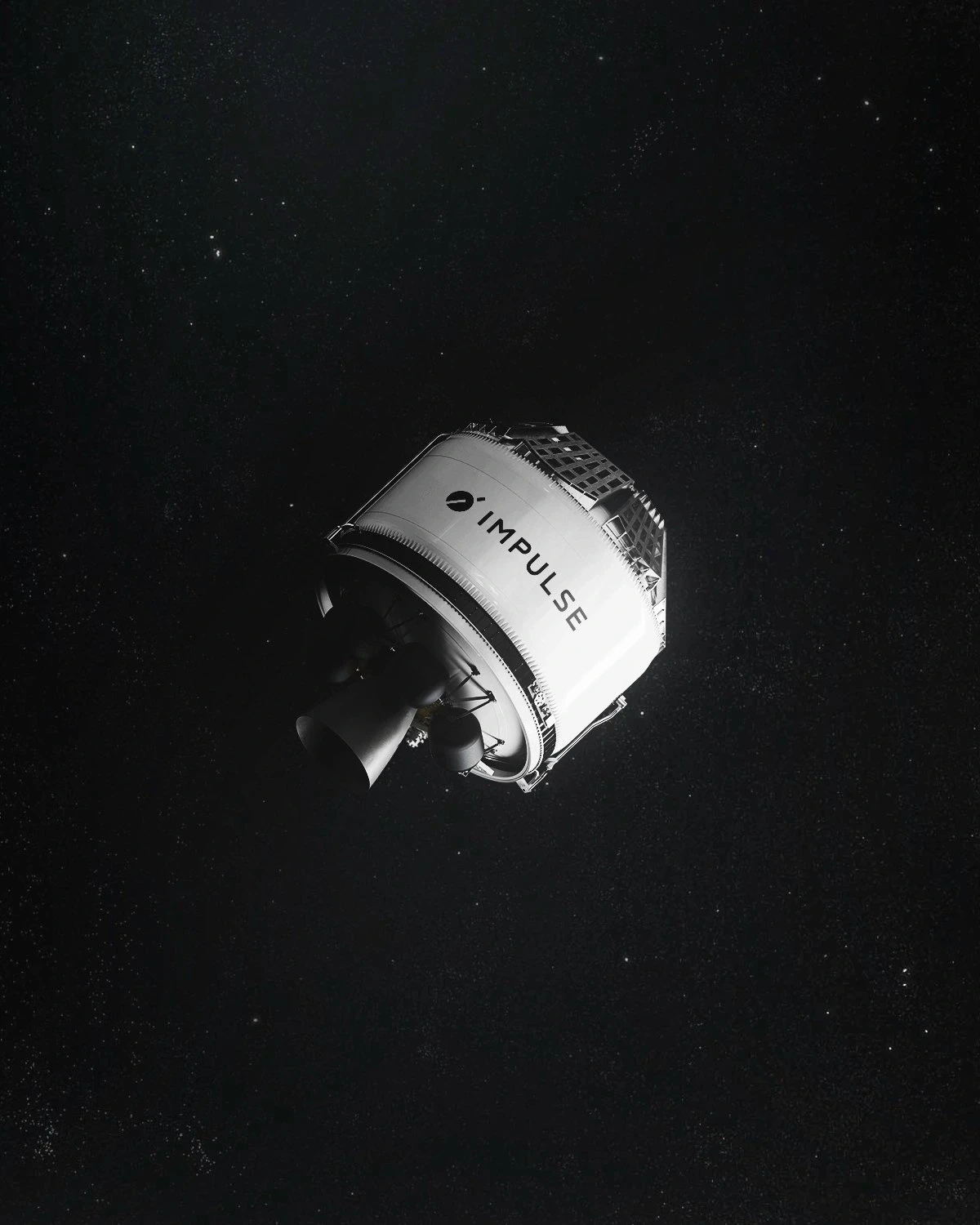
Open · Semantic Zoom
No top nav, no padded sections. The whole studio lives on one open canvas. A pinned bottom bar (− left, + right) zooms the same field through four levels: Field (all the work at once, a dense mosaic), Macro (the 6-column grid — the landing), Services (the work clustered by Strategy / Product / Development / Production), and Project (one full-bleed, one by one). Each level has its own intro line at the very top. Filter by service or by project, and the field restyles in place. Every image ripples in on a staggered cascade. All text is one size, one color, one weight.
Open the canvas →Earlier options, kept for comparison

All-Work Grid
Every project on one dense screen, with instant category filters (Mobility, Robotics, Aerospace, Built Env). Tap a chip, the grid narrows with zero page load. Fastest way to scan the whole roster.
Open →
Snap Gallery
One project at a time, full-bleed. Arrow keys, swipe, or the dot rail move you project-to-project in one gesture. Turns browsing into a flick, never a dead end.
Open →
Client Rail
A sticky index of every client on the left. Click a name to jump straight to all of their work; the rail tracks where you are. The full roster is legible before you scroll.
Open →